

Cinematic Transitions: How to Elevate Your Film Editing with Professional Motion Techniques
Cinematic transitions are one of the most powerful yet often overlooked tools in a filmmaker or editor toolkit. Used with intent they guide viewer attention shape pace and create emotional continuity across scenes. This article explores what cinematic transitions are why they matter and how to use them in practical ways that enhance story flow and visual appeal.
What Are Cinematic Transitions
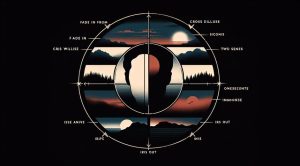
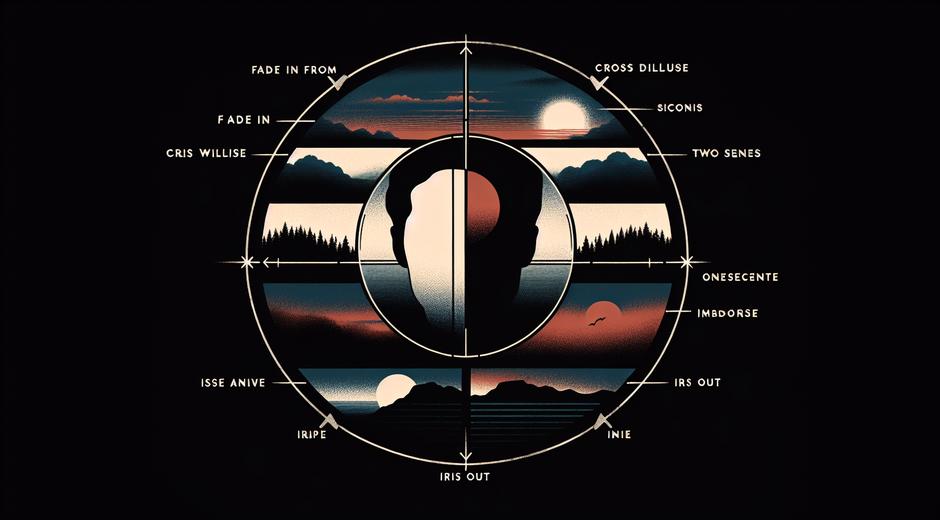
Cinematic transitions are the visual or audio elements editors use to move from one shot to another. While a simple cut can be the most honest option a creative transition can reveal time passage suggest perspective or heighten drama. Common cinematic transitions include dissolves wipes match cuts and creative motion moves that connect two distinct moments in a seamless way.
The best transitions do not call attention to themselves. Instead they feel like a natural extension of the story and the camera language. A transition can be as subtle as a change in light or as bold as a full frame wipe that mimics a camera movement. Understanding the purpose behind each choice helps editors make decisions that serve the narrative.
Popular Types of Cinematic Transitions
There are many transition styles that editors use depending on genre tone and pacing. Here are several that appear frequently in professional work and how each one functions in service of story.
- Hard Cut A direct jump from one shot to the next. This is the most neutral transition and often the most effective for preserving rhythm and immediacy.
- Cut on Action The cut occurs while an on screen movement continues. This hides the edit and maintains energy between shots.
- Dissolve One image blends into another. Dissolves can indicate passage of time dream logic or emotional connection between two scenes.
- Match Cut A visual or thematic element in one shot matches a similar element in the next. This is a clever way to create visual metaphors and poetic ties across different scenes.
- Whip Pan The camera pans quickly creating a motion blur that hides the cut. This technique is excellent for fast paced sequences or to jump between connected locations.
- Graphic Match Shapes lines or colors align between two frames creating a smooth visual link. This is widely used in montage and opening sequences.
- Invisible Cut Editors hide the edit inside a camera move or a moment of darkness so the audience perceives a continuous shot.
- Sound Bridge Audio carries across the cut creating smooth emotional continuity even when the image changes abruptly.
How to Use Cinematic Transitions Effectively
Choosing the right cinematic transitions begins with story. Ask what the transition should accomplish. Is it clarifying time changes building mood or surprising the audience? Once the goal is clear choose a technique that aligns with camera movement framing and soundtrack.
Here are practical steps to integrate cinematic transitions into your edit workflow.
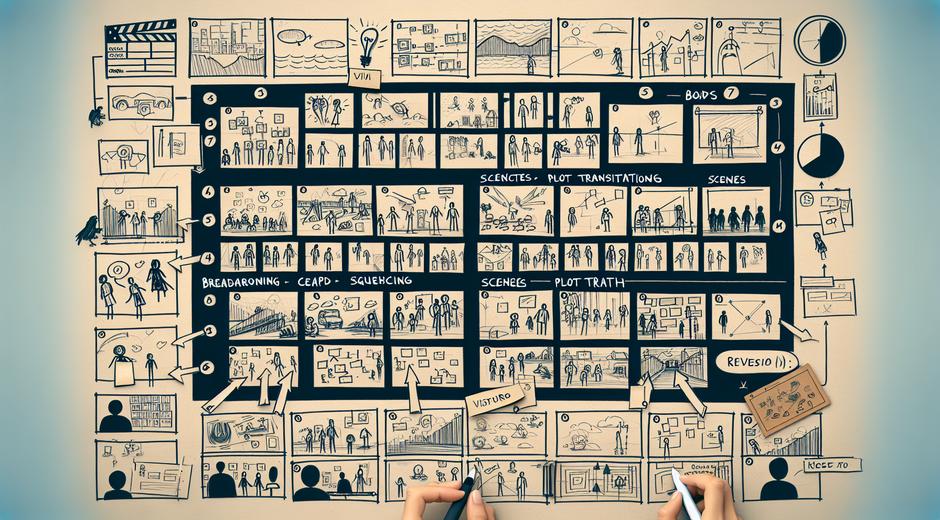
- Plan During Production Even if you will make most decisions in post it helps to capture plates whip pans and overlapping motion that can be used to hide edits later.
- Use Match Points Look for elements that can anchor a match cut such as a shared shape actor position or a prop. Planning these in the script can yield elegant transitions later.
- Respect Rhythm Transition timing should respect the edit tempo. A slow dissolve with quick edits will feel out of place while a whip pan in a slow emotional scene can feel jarring.
- Layer Sound Use sound bridges ambience and music to smooth transitions and reinforce the emotional through line.
- Test Variations Try different transition points and lengths to discover the most natural feeling cut. Sometimes a fraction of a second makes a big difference.
Tools and Plugins for Cinematic Transitions
Modern editing software includes many built in transitions but creative editors often rely on third party plugins and motion templates for unique looks. Popular editing platforms allow frame by frame control and masking which is essential for precise match cuts and invisible cuts.
For inspiration and to study real world examples visit resources that analyze famous film edits. For curated breakdowns and examples of cinematic transitions across a wide range of films check this resource StyleRadarPoint.com which offers deep dives into visual style and motion trends. For film fans and editors who enjoy exploring examples and learning from top work explore our selection at moviefil.com where you will find articles tutorials and breakdowns focused on cinematography and editing craft.
Creative Transition Ideas You Can Try Today
Here are several creative ideas for cinematic transitions that you can experiment with in your next project. Each idea can be adapted to different genres and budgets.
- Object Pass Transition Have an object pass in front of the lens to hide a cut then reveal a new scene. This is a natural way to mask the edit.
- Color Wipe Use a dominant color to wipe into the next scene where that color appears. This creates a pleasing visual link and can emphasize mood.
- Perspective Shift Cut on a matching angle where camera perspective changes but a compositional element remains similar. This can make two different locations feel connected.
- Speed Ramp Change clip speed into a motion blur then cut to a similar blur in another shot. This is great for action sequences and stylistic montages.
- Digital Matte Use a mask to reveal the next scene in a shaped form such as a circle or silhouette for an artistic effect.
Common Mistakes to Avoid
Even powerful transitions can backfire if used without restraint. Here are common mistakes editors and filmmakers make and how to avoid them.
- Overuse Using too many elaborate transitions breaks immersion. Choose the moment where a transition truly enhances meaning.
- Mismatched Tone A flashy move in a quiet intimate scene can take the viewer out of the moment. Keep transitions consistent with mood.
- Poor Timing A transition that lands on a strong actor beat can obscure performance. Allow the actor moment to breathe before changing shots.
- Technical Sloppiness Visible seams bad color matching or sloppy masking reveal the cut. Take the time to refine edges and match exposure and color to create a convincing flow.
Measuring Impact and Iterating
Great editing is part craft part feedback. Test different cinematic transitions with peers or small focus groups to see how they affect comprehension and emotional response. Use analytic tools if your film is streaming to learn which sequences keep audience attention. Iterate based on what supports the story and strengthens the visual logic.
Final Thoughts on Cinematic Transitions
Cinematic transitions are more than a technical trick. They are storytelling devices that help guide attention shape emotion and connect disparate moments into a cohesive whole. By understanding the purpose behind each transition style by planning during production and by polishing timing and sound you can transform ordinary cuts into expressive cinematic moments.
Whether you are a beginner editor or an experienced filmmaker there is always room to refine how you move between shots. Study films deliberately practice matching frames and try new ideas in short projects. For more articles inspiration and examples in the world of film craft visit moviefil.com and explore resources that can expand your visual vocabulary and help you master cinematic transitions.